Free warehouse document generators
Free, no-signup generators for the paperwork every godown deals with. Choose a document, fill in the details and print it on A4 or save it as a PDF from your browser
Choose a document generator
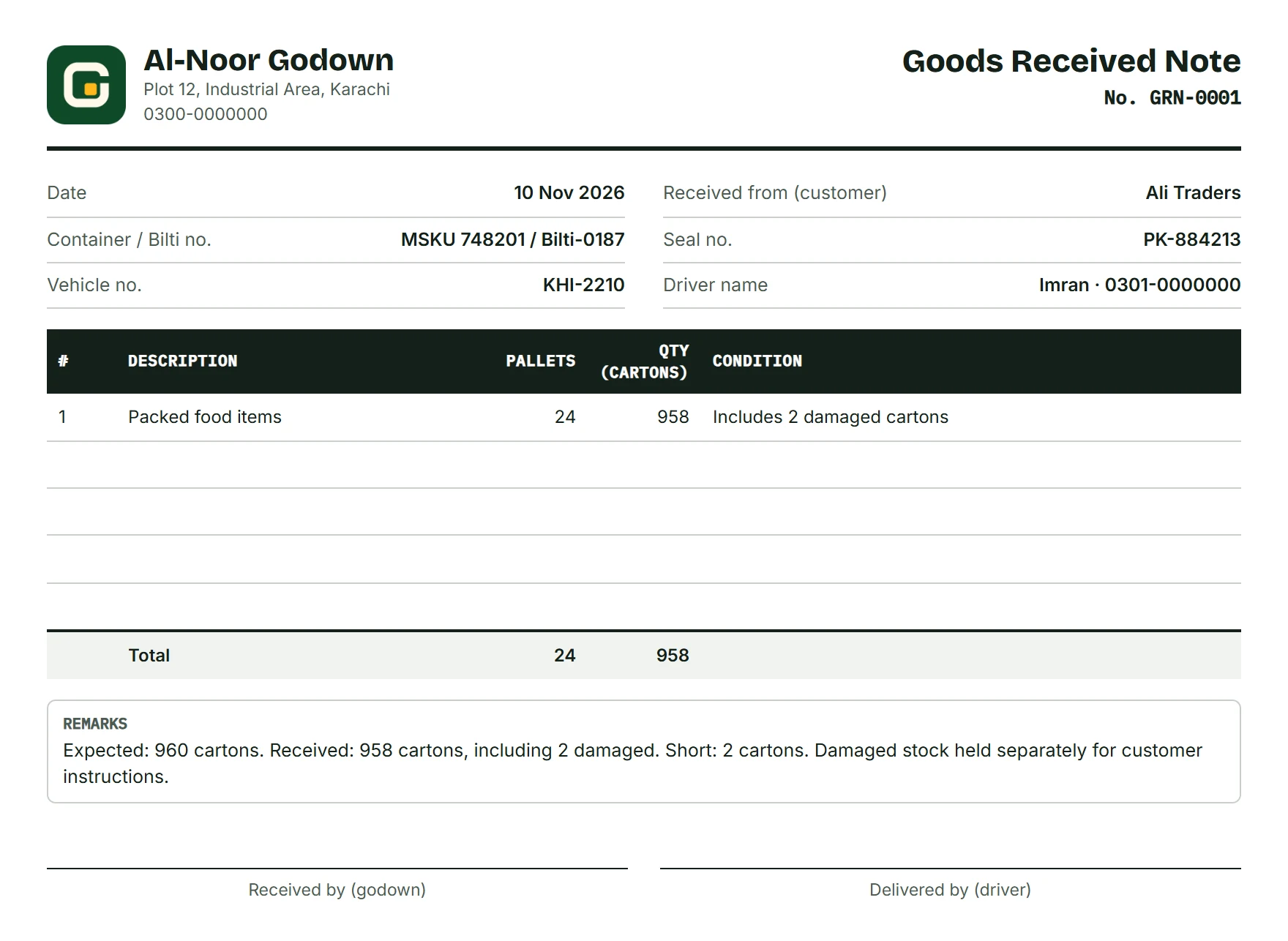
GRN generator
Create a Goods Received Note for goods arriving at your godown. Record what you actually receive, note damage or shortages, and print a copy for the driver and your team.
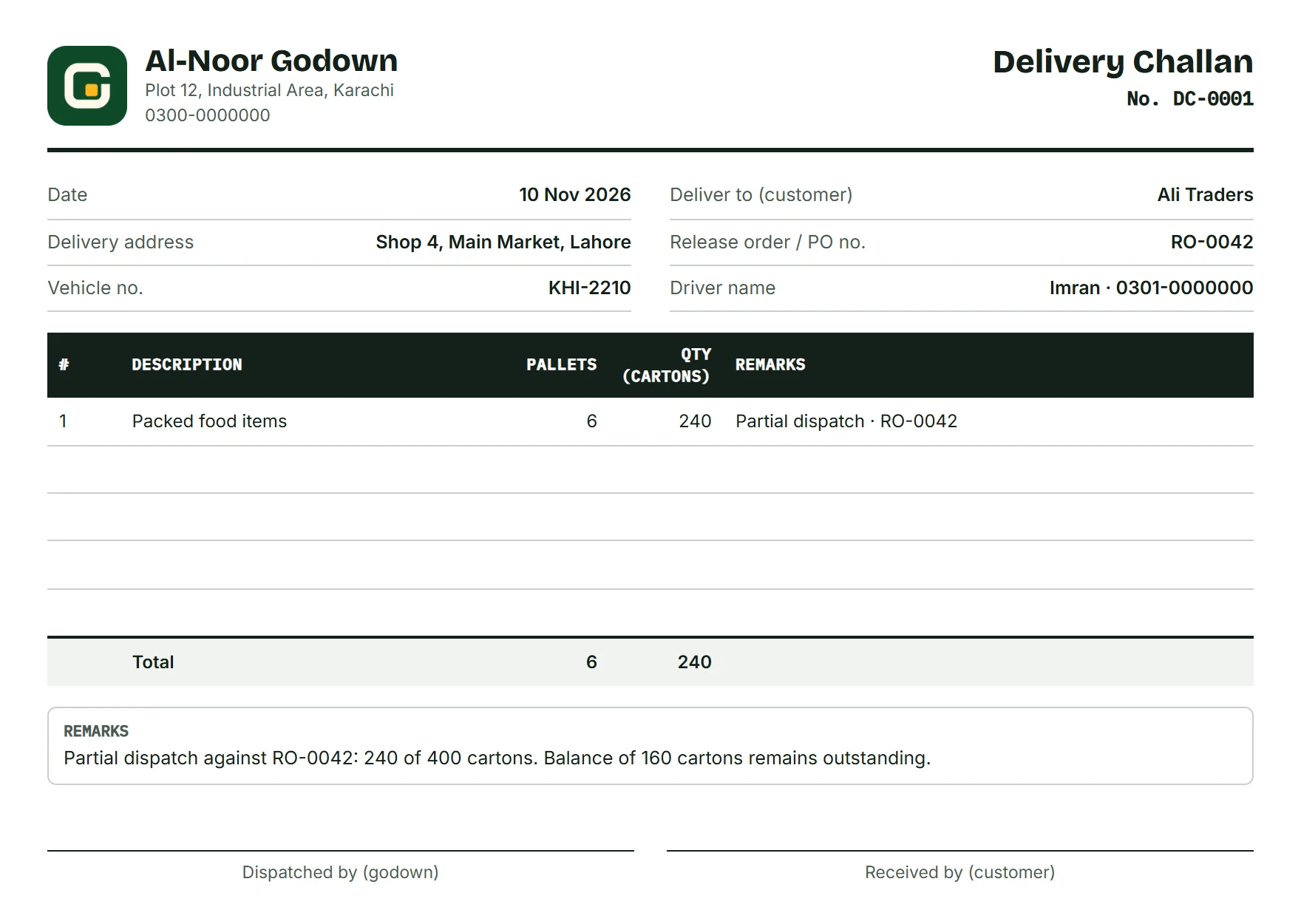
Delivery challan generator
Make a delivery challan, also called a delivery note, for goods leaving your godown. List the actual dispatch, identify the receiving customer and leave space for acknowledgement.
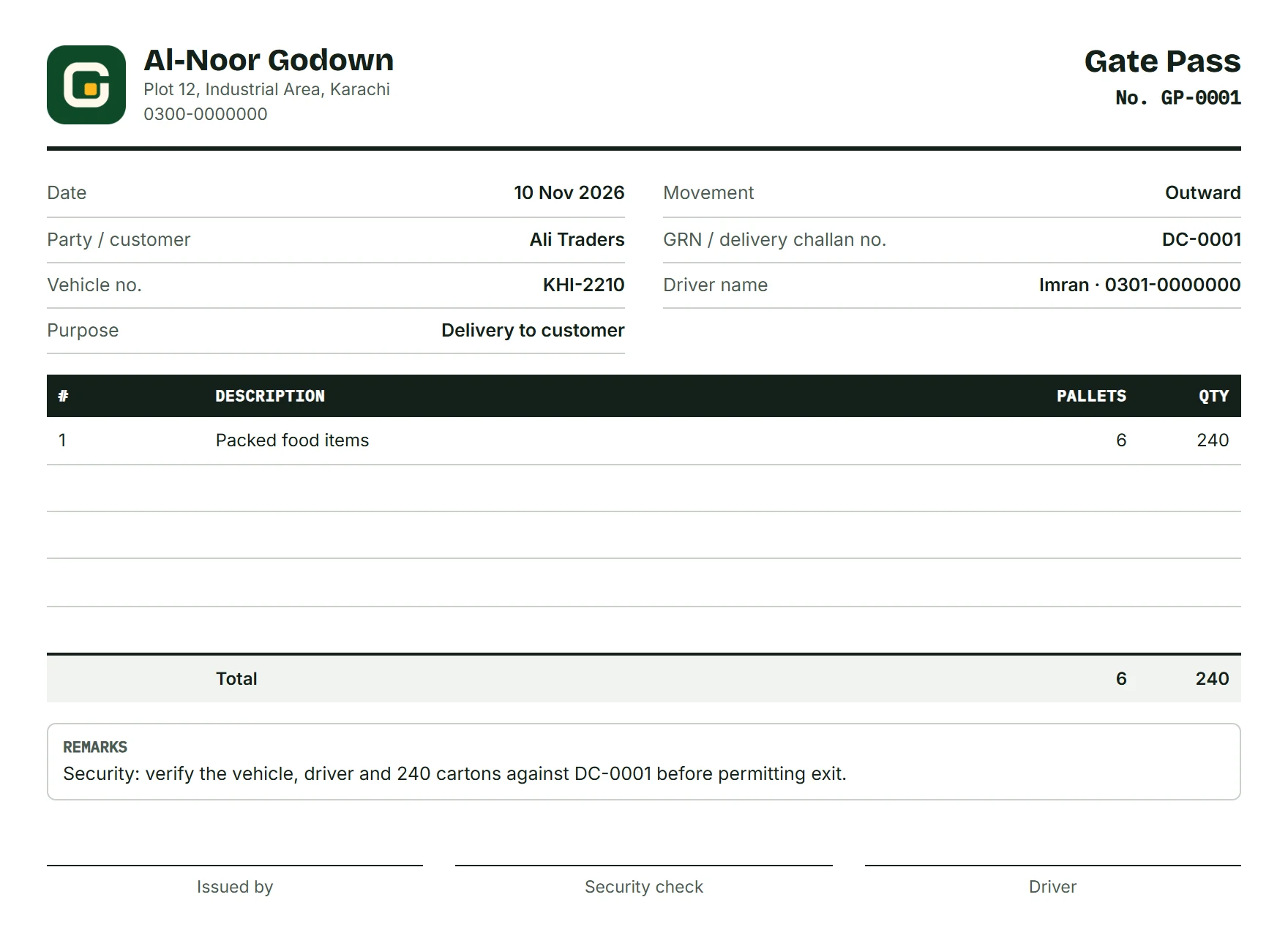
Gate pass generator
Prepare an inward or outward gate pass for a vehicle carrying goods. Give your security team a clear movement reference, vehicle details and quantities to check at the gate.
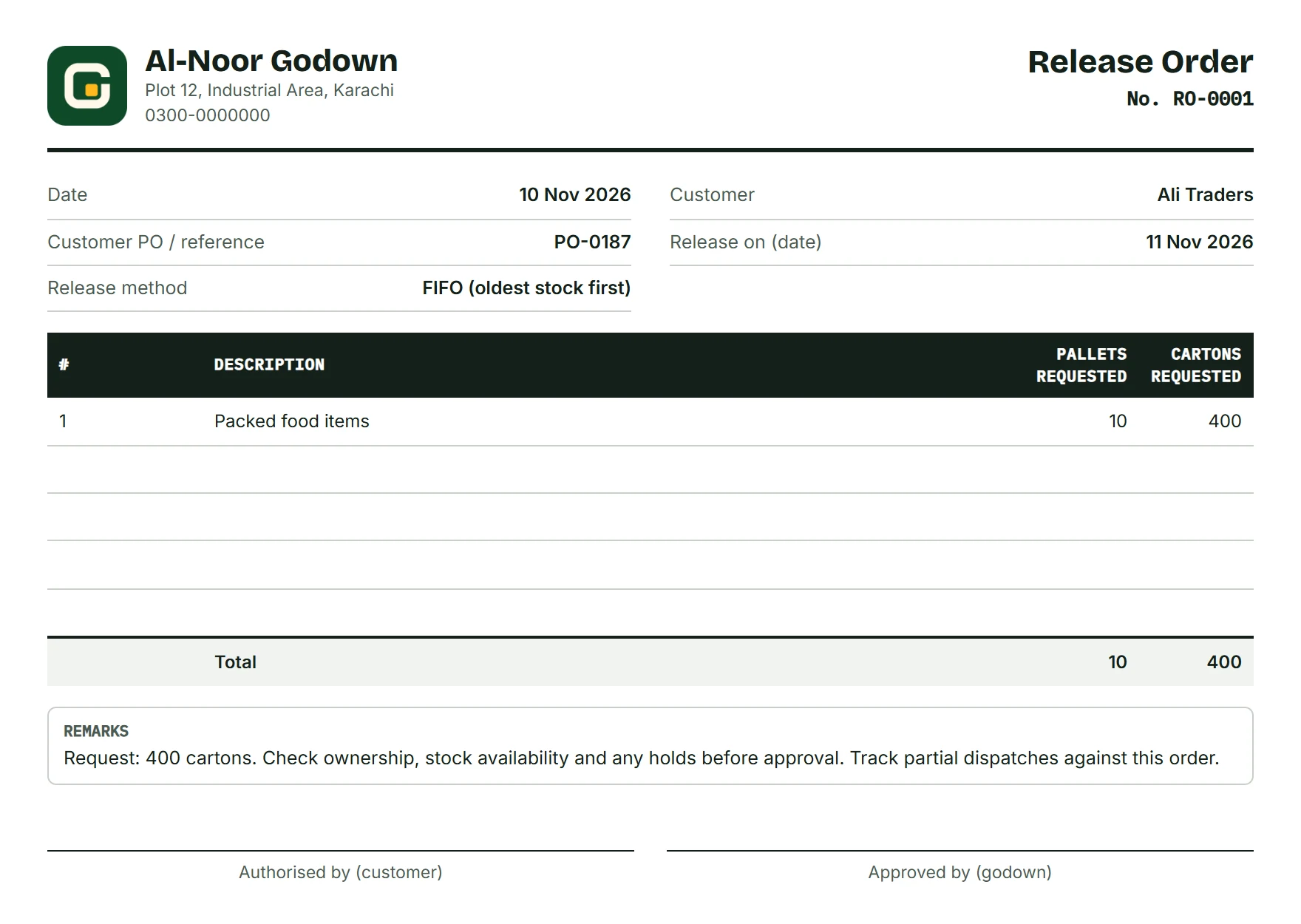
Release order generator
Prepare a customer’s instruction to release stored goods. Specify the quantity, requested release date and picking method before your warehouse approves and arranges the dispatch.
Where each document fits
A receipt, a release instruction, a dispatch note and a gate permission answer different questions. Link their reference numbers rather than using one as a substitute for another.
Receive the goods
Count the actual delivery and record its condition. Keep the GRN with the incoming paperwork.
GRN generator →Authorise the release
Record the customer’s instruction. Check ownership, stock and any holds before approving it.
Release order generator →Document the dispatch
List the goods actually loaded, their destination and the reference to the approved release.
Delivery challan generator →Verify the gate movement
Have security compare the vehicle and load with the approved supporting paperwork.
Gate pass generator →
Inward gate checks may happen before receiving. Adapt the sequence to your own approved warehouse procedure.
Print a format, not a promise
Every generator includes a filled example, a blank-format print option and a live preview. Use your browser’s Save as PDF for a file; these tools do not export Word or Excel documents or automatically attach a PDF to WhatsApp.
Only your godown profile is remembered in your browser. Save or print your work before leaving a page. Numbering, approvals, signatures and stock updates remain your responsibility.
Need the records connected?
These standalone documents do not update inventory or replace a tax invoice. Godown.pk connects receiving, releases, live customer stock and storage billing when your team is ready to move beyond separate forms.
See Godown.pk →