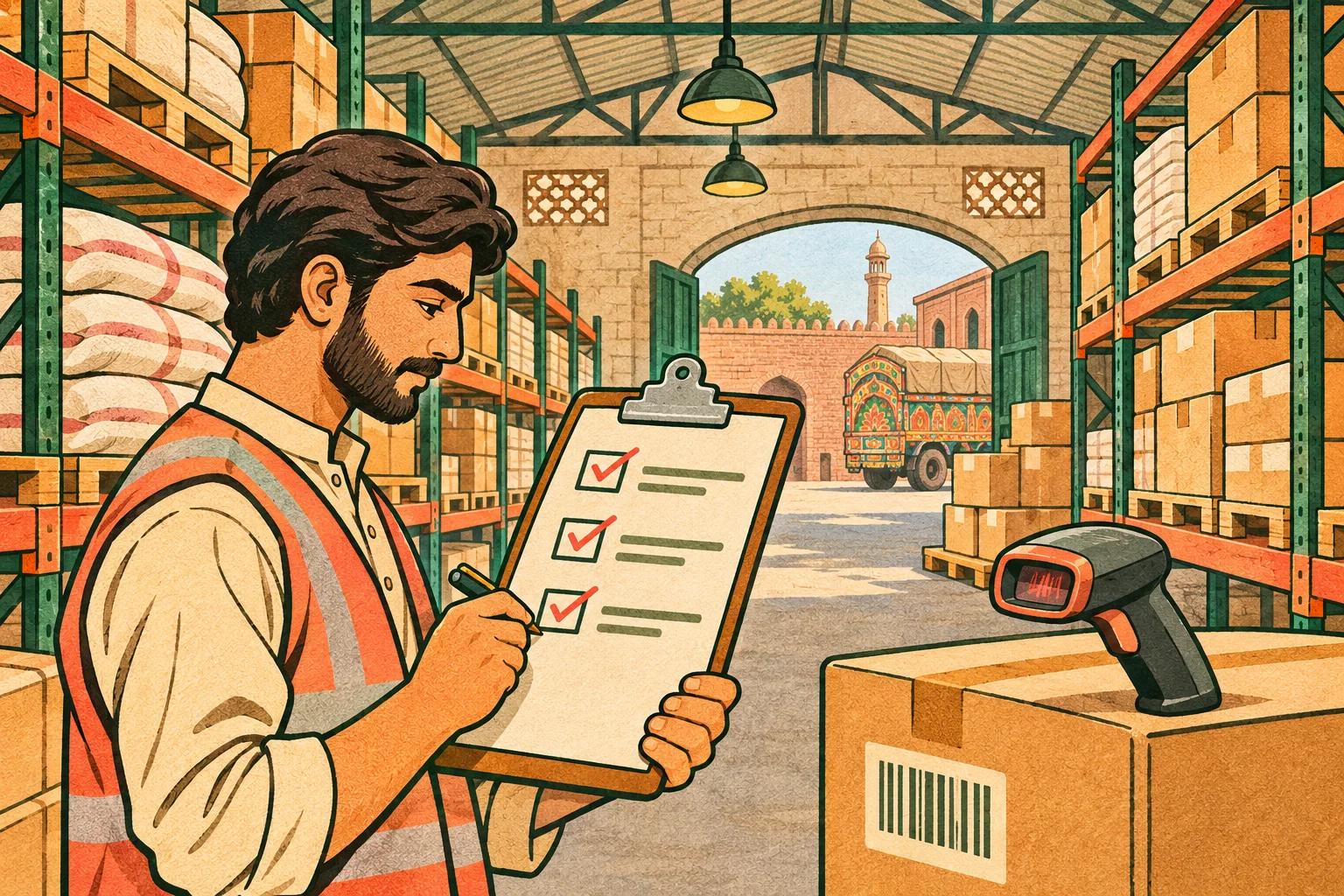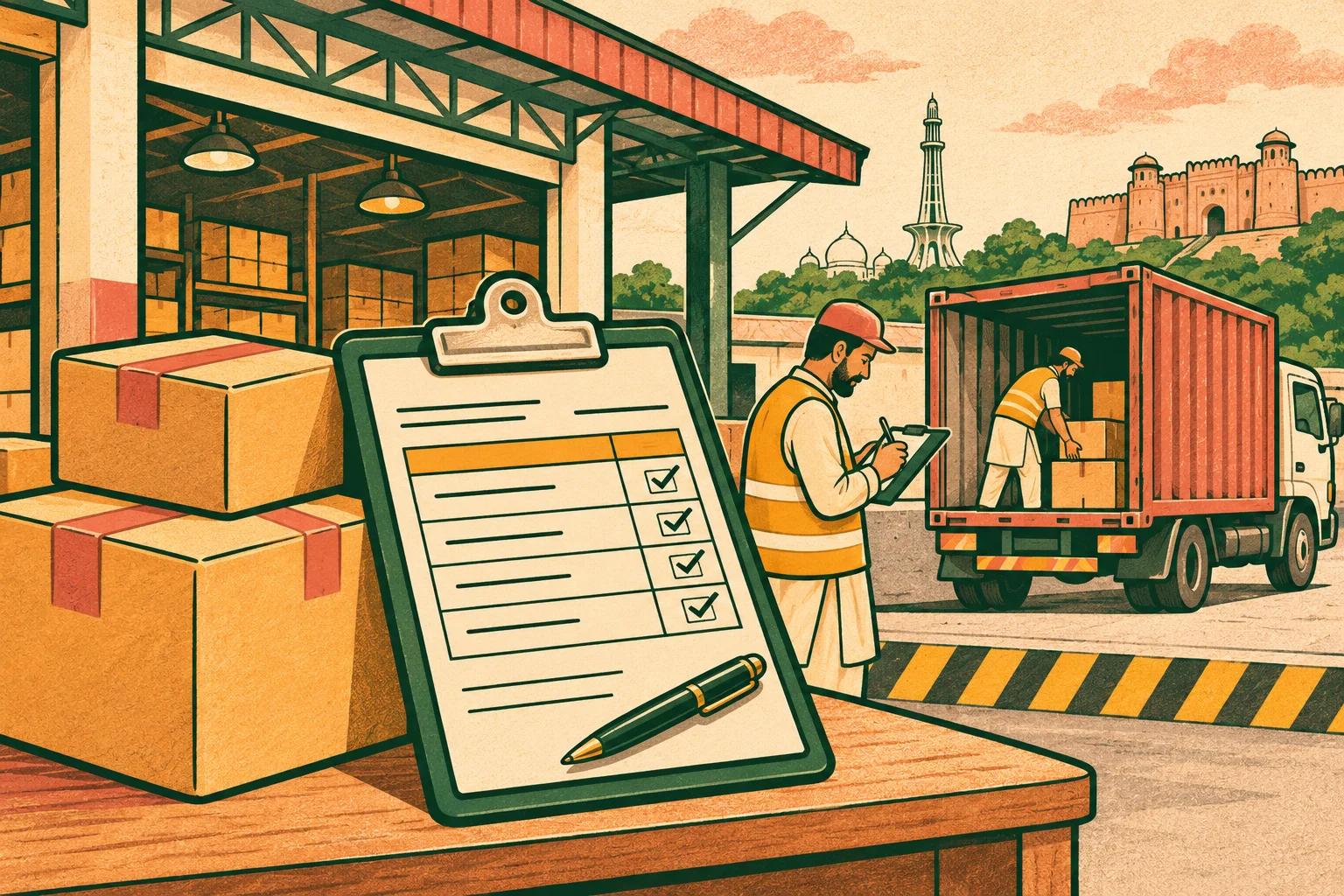
If you run a godown, a private warehouse or a bonded store in Pakistan, the GRN is the first and most important paper in your whole operation. Get it right and stock, storage invoices and customer trust follow. Get it wrong and you will spend months arguing about missing cartons and unpaid charges.
This guide explains what a GRN is, what it must contain, gives you a ready-to-use format with a filled example, and shows how to avoid the most common mistakes.
What is a GRN in simple words?
GRN stands for Goods Received Note. Some godowns call it a Goods Receipt Note, Receiving Report or Inward Slip. The idea is always the same:
Goods came in. This is the written record of exactly what came in.
It is created by the warehouse (receiving) team at the moment of unloading and checking. A copy normally goes to the customer or supplier, a copy goes to accounts, and a copy stays with the godown.
Why a GRN matters
- Proof of receipt: the customer cannot later claim you received 500 cartons if the GRN says 480.
- Starts the stock record: every pallet or carton in your system should trace back to one GRN.
- Starts the billing clock: storage charges usually begin from the GRN date.
- Records condition: damage noted at arrival protects you from blame for damage that happened before.
- Settles disputes: with transporters, suppliers and customers, a signed GRN is your strongest evidence.
- Supports audits: auditors and insurers ask for inward records first.
GRN vs other documents
People often mix these up. Here is the difference:
| Document | Created by | When | Purpose |
|---|---|---|---|
| GRN | Warehouse | Goods arrive | Records what was received |
| Delivery note / challan | Sender | Goods leave the sender | Lists what the sender claims to ship |
| Purchase order (PO) | Buyer | Before ordering | Lists what was ordered |
| Invoice | Seller | After sale | Asks for payment |
| Gate pass | Security / warehouse | Vehicle or goods enter or exit | Permission to move through the gate |
| Release order / delivery order | Customer or godown | Goods leave the godown | Authorises outward release |
The GRN is the inward record. The release order and delivery note are the outward records. Together they make your stock balance.
What a GRN must contain
A good GRN has these fields:
Header
- GRN number (unique and sequential, for example GRN-2026-00123)
- Date and time of receipt
- Godown / warehouse name and location
Parties
- Customer or supplier name
- Transporter name, vehicle number, driver name and phone
- Reference documents: PO number, supplier delivery challan or invoice number, bilti or container number
Goods details (one line per item)
- Item description and SKU or code
- Unit of measure (carton, bag, pallet, drum, piece)
- Quantity as per challan
- Quantity actually received
- Difference (short or excess)
- Condition (good, damaged, wet, torn)
- Batch number, lot number or expiry date if relevant
- Storage location (rack, bay or pallet ID)
Sign-off
- Received by (warehouse staff name and signature)
- Checked by (supervisor)
- Driver or customer representative signature
- Remarks
Ready-to-use GRN format
Want to prepare a receipt now? Use the free GRN generator to enter received quantities, record condition and print a completed or blank format. You can also save it as a PDF from your browser. The generator does not update your stock register.
Copy this layout into Word, Excel or Google Sheets.
GOODS RECEIVED NOTE (GRN)
| Field | Details |
|---|---|
| GRN No. | GRN-2026-00123 |
| Date / Time | __ / __ |
| Godown | **____** |
| Customer / Supplier | **____** |
| Reference (PO / Challan / Container No.) | **____** |
| Transporter / Vehicle No. | **____** |
| Driver Name / Phone | **____** |
| # | Item description | Unit | Qty per challan | Qty received | Short / Excess | Condition | Batch / Expiry | Location |
|---|---|---|---|---|---|---|---|---|
| 1 | ||||||||
| 2 | ||||||||
| 3 |
Remarks: **__**
| Received by | Checked by | Driver / Customer rep |
|---|---|---|
| Name: __ | Name: __ | Name: __ |
| Signature: __ | Signature: __ | Signature: __ |
Filled example
A customer sends a truck of edible oil and rice to a godown in Karachi.
| Field | Details |
|---|---|
| GRN No. | GRN-2026-00123 |
| Date / Time | 12 Nov 2026, 10:40 AM |
| Godown | Al-Noor Godown, Site Area, Karachi |
| Customer | Raza Traders |
| Reference | PO-4471, Challan 8821 |
| Transporter / Vehicle | Siddique Goods Transport, KHI-4829 |
| Driver | Imran, 0300-0000000 |
| # | Item | Unit | Per challan | Received | Short / Excess | Condition | Batch / Expiry | Location |
|---|---|---|---|---|---|---|---|---|
| 1 | Cooking oil, 5 L | Carton | 400 | 398 | 2 short | 3 cartons dented | B-221 / Jun 2027 | Rack A-04 |
| 2 | Basmati rice, 25 kg | Bag | 600 | 600 | 0 | Good | Lot R-90 | Bay C-02 |
Remarks: 2 cartons of oil short. 3 cartons dented, photographed at unloading. Driver informed and signed.
Notice what this GRN does. The shortage is recorded, the damage is documented with photos, and the driver acknowledged it, all before the goods entered the shelf. If the customer complains a month later, you have proof.
How to make a GRN: step by step
Step 1. Receive the advance information. Ask the customer for the PO, expected quantity and vehicle details before the truck arrives. This lets you plan space and labour.
Step 2. Verify the vehicle and documents. At the gate, check the vehicle number, driver, challan or bilti, and container seal number if applicable. Note any broken seal.
Step 3. Unload and count. Count physically, item by item. Do not rely on the challan. Count pallets, cartons or bags as they come off the vehicle.
Step 4. Inspect condition. Look for damage, wetness, torn packing, leakage or expired stock. Take photos of problems before moving the goods.
Step 5. Compare with the challan. Record the difference as short or excess. Never write the challan quantity in the received column just to make it match.
Step 6. Fill the GRN. Complete every field. Assign a storage location to each item.
Step 7. Get signatures. The receiving staff, supervisor and driver or customer representative sign. Hand over one copy.
Step 8. Update stock. Enter the GRN into your stock register or software the same day. Late entry is the main cause of stock mismatches.
Step 9. Distribute copies. Original to the customer, one to accounts for billing, one filed in the godown.
Common GRN mistakes (and fixes)
| Mistake | Result | Fix |
|---|---|---|
| Copying challan quantity without counting | Hidden shortages, disputes later | Always count physically |
| No damage remarks | You get blamed for pre-existing damage | Note and photograph at unloading |
| Missing signatures | GRN has no legal weight | Never release the driver without a signature |
| Duplicate or missing GRN numbers | Audit confusion | Use auto-numbering |
| Writing the GRN hours later | Errors and forgotten details | Prepare it during unloading |
| Not linking GRN to storage location | Hours wasted searching | Record rack or pallet ID |
| Paper copies lost | No evidence | Scan and store digitally |
Paper, Excel or software?
| Method | Good for | Problems |
|---|---|---|
| Paper book | Very small godowns | Easy to lose, hard to search, no live stock |
| Excel / Google Sheets | Small to medium godowns | Manual numbering, errors, no customer access |
| Warehouse software | Growing godowns with several customers | Needs a one-time setup |
Once you handle multiple customers, containers and pallets, manual GRNs get slow and error-prone. Warehouse software creates a numbered, printable GRN in seconds, updates live pallet balance automatically, and starts storage billing from the GRN date without retyping anything.
GRN checklist
Print this and keep it at the receiving dock.
- Vehicle, driver and documents verified
- Container or vehicle seal checked
- Goods counted physically
- Condition inspected and photos taken
- Short, excess and damage noted
- Storage location assigned
- GRN signed by staff, supervisor and driver
- Stock updated the same day
- Copies sent to customer and accounts
At the end of the shift, use the daily inventory checklist to match signed GRNs and outward documents against the closing stock balance.
Frequently asked questions
What does GRN stand for? GRN stands for Goods Received Note, also called a Goods Receipt Note.
Who prepares a GRN? The warehouse or receiving department prepares it when goods arrive.
Is a GRN the same as a delivery challan? No. The challan is created by the sender and shows what was sent. The GRN is created by the receiver and shows what was actually received.
Is a GRN legally required in Pakistan? There is no single rule for every business, but it is standard commercial and audit practice, and it is vital evidence in disputes with customers, suppliers and transporters. Check with your accountant for tax or customs requirements specific to your goods.
What is three-way matching? Accounts compare the purchase order, the GRN and the supplier invoice. Payment is made only if all three agree on items and quantities.
How long should GRNs be kept? Keep them for the period your accountant or auditor advises, commonly several years, in paper or scanned form.
Can I make a GRN in Excel? Yes, the format above works in Excel. It becomes hard to manage once you have many customers, but it is a good start.
Final thoughts
A GRN is a simple document, but everything in your godown depends on it: stock accuracy, billing, and customer trust. Count honestly, record condition clearly, get signatures, and enter it the same day.
If you are tired of paper and spreadsheet GRNs, Godown.pk creates printable GRNs for containers and pallets, keeps live stock balance, and bills storage automatically, with a customer portal so your clients can track their own stock.
Want to see it working in your godown? Message us on WhatsApp. The first month is a free trial.
Godown.pk Team
We build warehouse software for Pakistani godowns and write practical guides from what we see on the warehouse floor.